Bring your playlist.
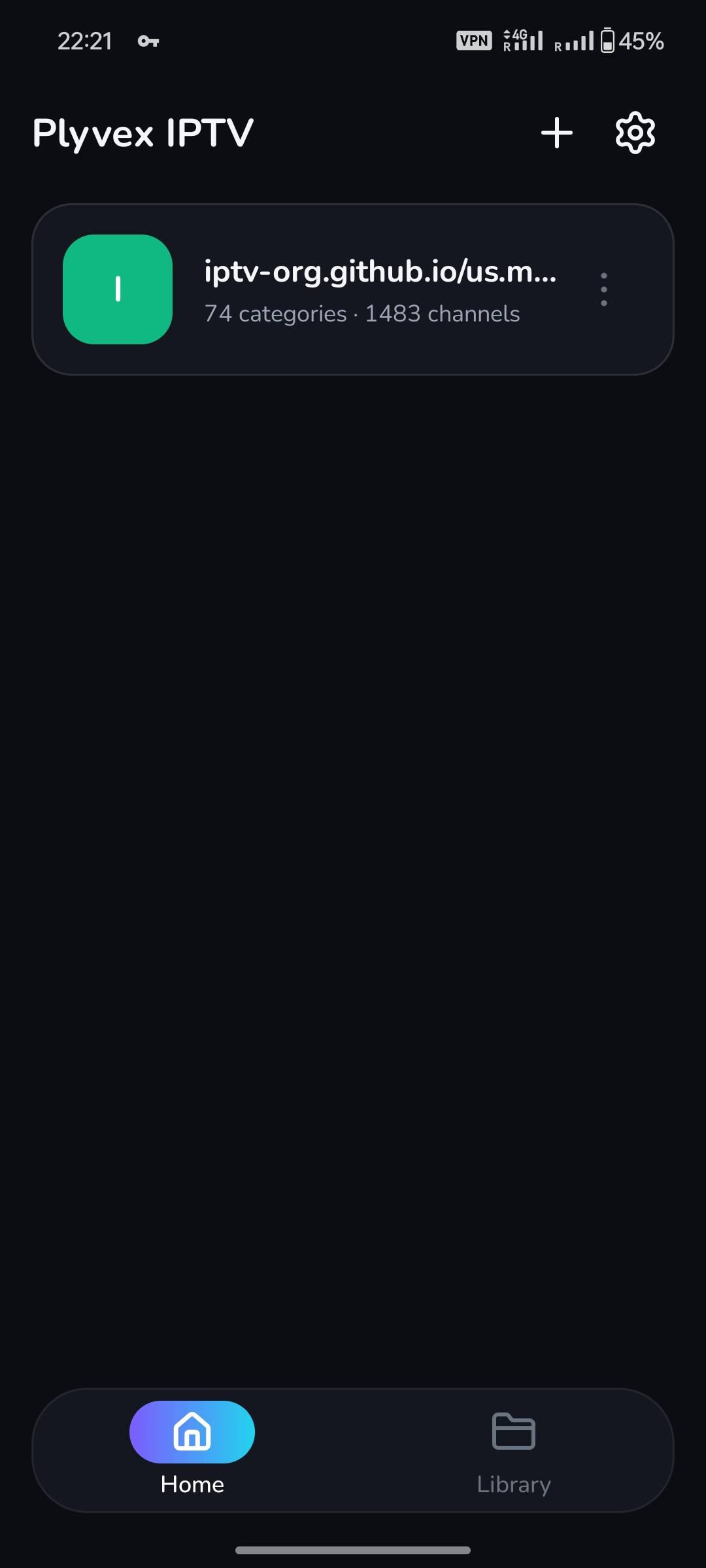
Add your own M3U or M3U8 playlist URL and keep your sources together in one place.
 plyvex/ studio
An Android player for your own M3U and M3U8 playlists. A little order for everything you love to watch, with channels that feel right at home.
Take a closer lookM3U & M3U8 · Categories · Search · Favorites
Your player. Your sources. Plyvex IPTV is a playlist player. It does not include channels, streaming subscriptions, or media content.
01 — THE LITTLE THINGS, DONE WELL
Everything has its place.From a long list to something that feels
like your own personal library.
Add your own M3U or M3U8 playlist URL and keep your sources together in one place.
Browse the categories in your playlist, with channel counts that help you see what’s inside.
Search for a channel by name and get to what you’re looking for a little faster.
Save channels as favorites so the ones you return to are easier to find.
02 — A LOOK INSIDE
Real screens. A real sense of simple.A calm dark interface.
A clear path from playlist to channel.
All your playlists, together.
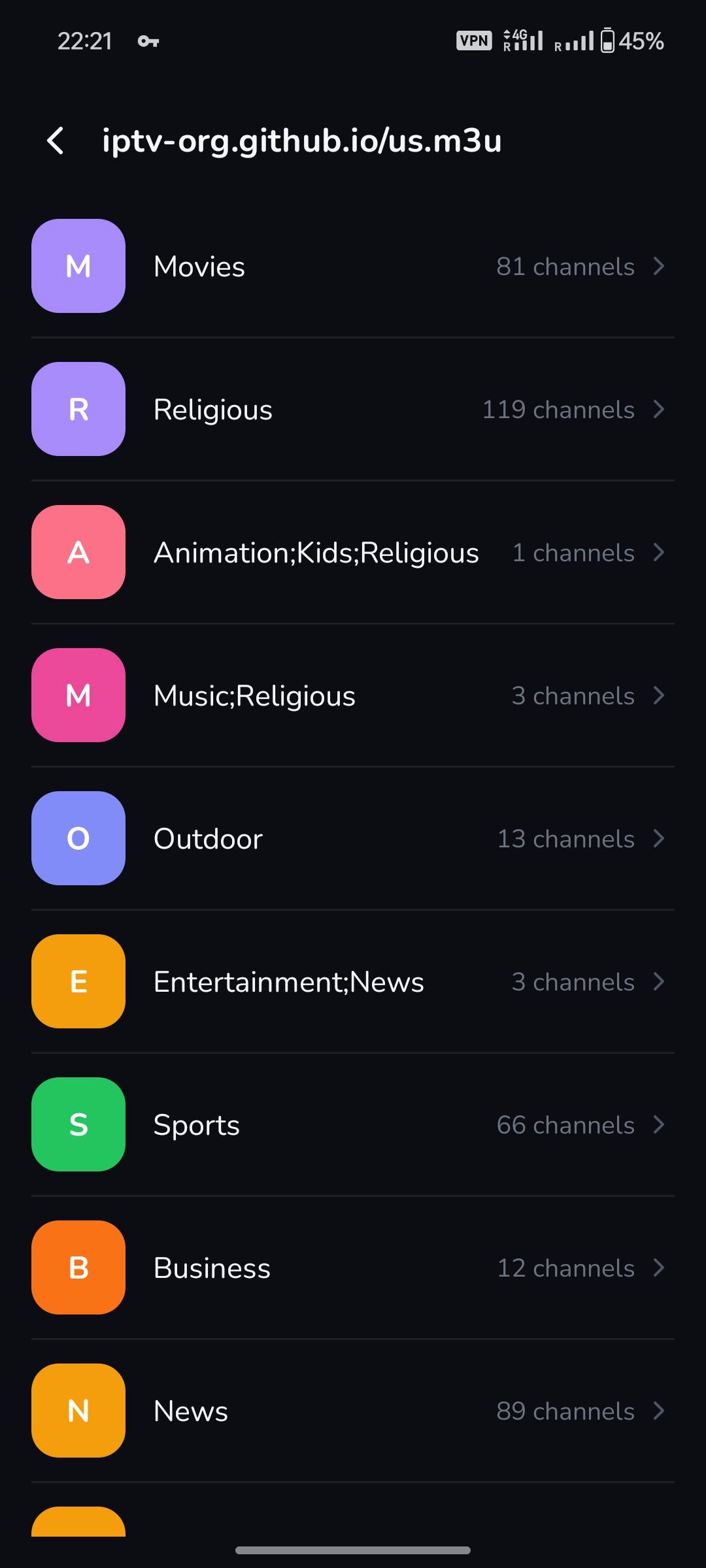
Browse categories at a glance.
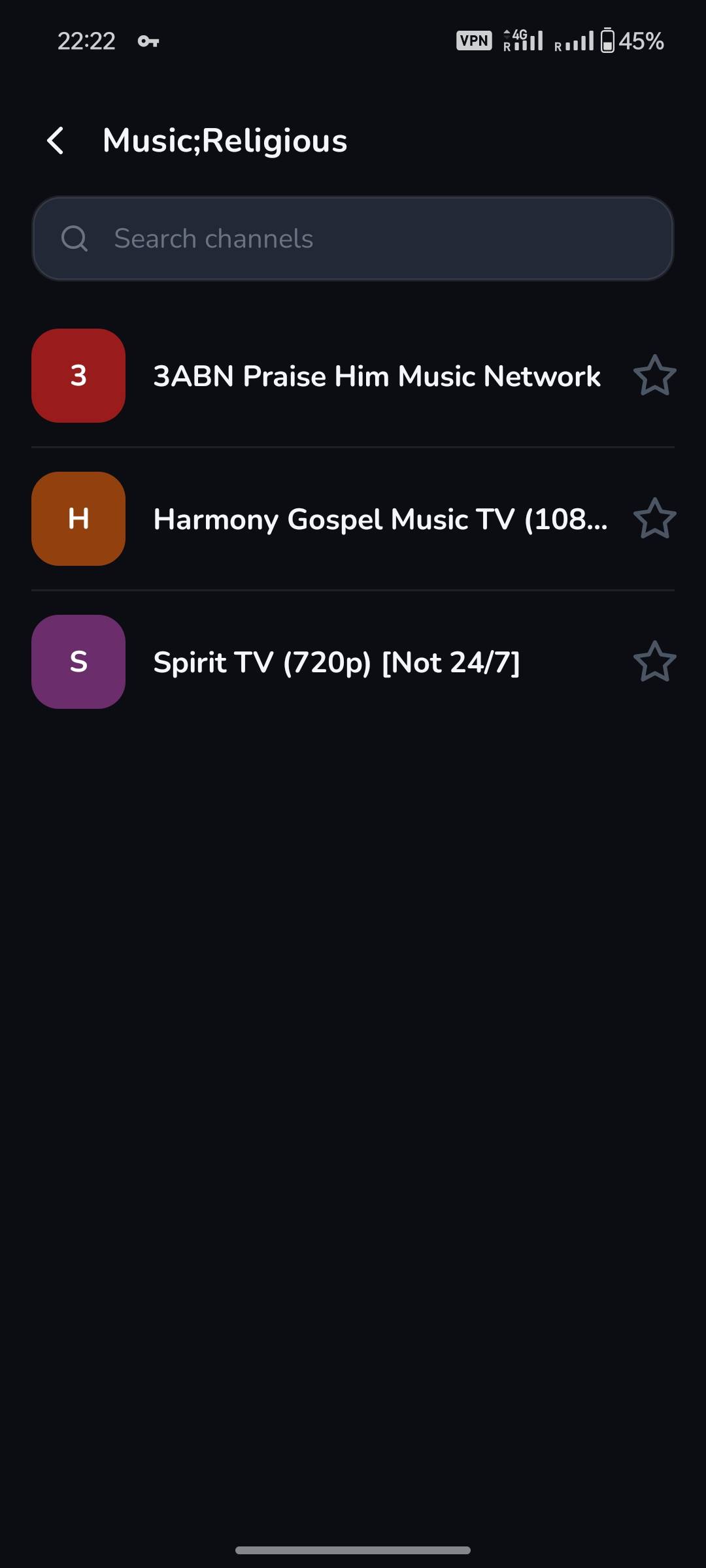
Search, find, and save.
Screenshots show a user-added playlist. Content availability depends on your own playlist source.
03 — MAKE YOURSELF AT HOME
You bring the playlist.
Plyvex brings a little simplicity.
Use the + button to add a playlist URL you’re authorized to access.
Open your playlist and explore its categories, or search for a channel.
Choose a channel to play and star the ones you want to keep close.
04 — GOOD QUESTIONS
The things you might
be wondering about.
Plyvex IPTV is an Android playlist player. It helps you organize your own M3U and M3U8 playlist URLs, browse categories, search for channels, and save favorites.
No. The app is a player, and does not provide TV channels, movies, streams, or subscriptions. You need to add your own playlist source.
You can add M3U and M3U8 playlist URLs. The available categories and channels come from the playlist you add.
These are screenshots of the app with a user-added playlist. The listed categories and channels are examples from that playlist, rather than content supplied with the app.
You choose and provide your playlist sources. Please use only content you own or have permission to access.
A LITTLE APP FROM PLYVEX STUDIO